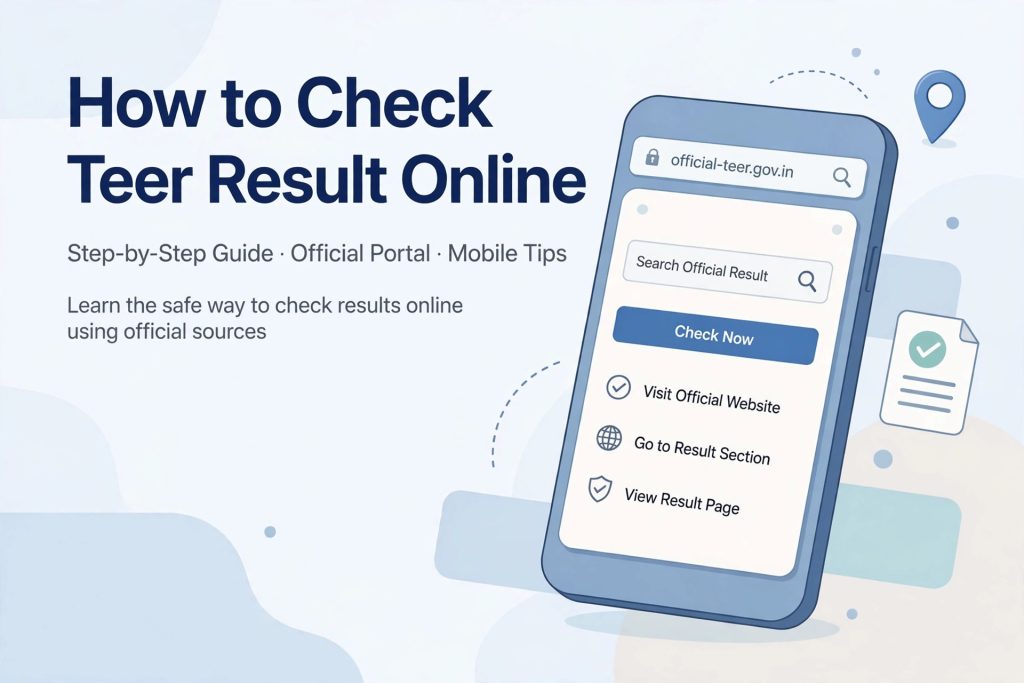
Learning how to check teer result online for the first time can feel confusing. You open a website, you see a table full of two digit numbers, some are labelled FR and some are labelled SR, and you are not sure which one is today’s result and which one is yesterday’s. This guide solves that. It is written for the complete beginner and it is written phone first, because most readers check the teer result on a mobile phone, not a computer. By the end of this guide you will know exactly how to check teer result numbers step by step, how to tell FR and SR apart, when each market declares its result, and what to do if the page does not load.

Why Most People Check the Teer Result on a Phone
Teer is a traditional archery based lottery played in Meghalaya, and its daily audience is enormous. A large share of that audience checks results on a basic smartphone with a mobile data connection. The pages that publish results are designed to be light and fast so they open even on slow networks, and they are updated shortly after each round is declared.
Checking on a phone has one more advantage. Result pages like the one here on All Teer Results are mobile friendly, so the numbers, dates and market names stay readable on a small screen. You do not need to install any app. You do not need to sign up or log in anywhere. Everything you need sits on a normal web page that you open in your browser.
Before you go further, one responsible note. Teer is a legal lottery in the state of Meghalaya and it is strictly for adults aged 18 and above. This guide explains how to read published results. It is not betting advice and it does not predict any numbers.
What You Need Before You Check the Teer Result
You need very little. Gather these basics and the rest of this guide will make sense.
A phone with a browser and internet
Any Android or iPhone browser works. Chrome, Safari and Firefox all display result pages correctly. A mobile data or WiFi connection is enough. The pages are text based tables, so they load quickly even on 3G or a weak signal.
No app and no account needed
Legitimate result websites never ask you to install an app or create an account just to view results. If a site asks for your phone number, a payment, or an app download before showing you the result, close it and use a trusted result page instead. Reading a result is always free.
Knowing which market you are checking
There are three main teer markets: Shillong, Juwai and Khanapara. Each one declares its own FR and SR numbers every day. When you check the teer result, you need to look at the correct market section, otherwise you will read the wrong numbers. We will walk through each market further down this guide.
How to Check Teer Result Online – The Complete Step by Step Process
This is the core of the guide. Follow these five steps and you will never feel lost on a result page again.
Step 1 – Open the result website on your phone
Open your mobile browser and go to All Teer Results, the homepage of this site. Let the page load fully. On a slow connection, wait a few seconds. The latest results usually appear near the top of the page, so you do not need to scroll far on your first visit.
Step 2 – Find today’s date section
The most important habit for a beginner is checking the date first. Every result table is labelled with a date, for example “Teer Result Today” followed by the current date. Make sure the date matches today before you read any number. If you are checking in the evening, the table may already show the current day’s results. If the table still shows yesterday’s date, that means today’s rounds have not been declared yet.
Step 3 – Identify the FR and SR columns for your market
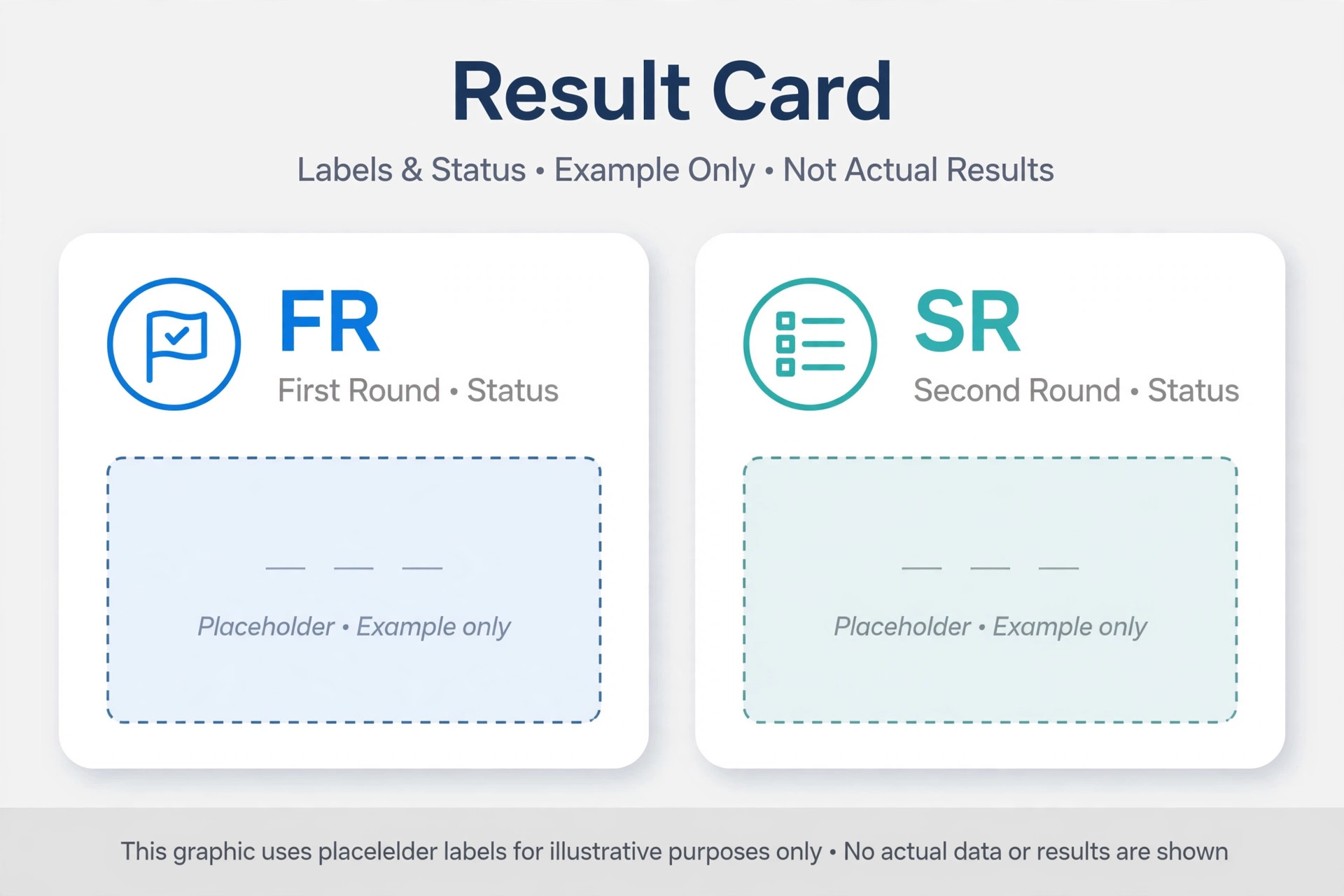
Inside the table you will see each market listed with two numbers: FR and SR. FR stands for First Round and SR stands for Second Round. Each round is a separate archery session and each produces its own two digit result. So a Shillong result always has two numbers, one FR number and one SR number. Read the one that belongs to your market and your round.
Step 4 – Read the two digit numbers carefully
Each result is a two digit number from 00 to 99. Read both digits exactly as shown. A result shown as 07 is seven, not seventy. Screenshots or forwarded messages can blur the digits, so always read the number on the live page itself rather than trusting a copied message from a friend.
Step 5 – Use the previous results list to confirm the date
If you are still unsure whether you are looking at the right day, open the teer result list page. It shows results for past days in one place. Compare the date and the numbers you saw on the homepage. This archive also helps you confirm that a result you heard about actually belongs to the day you think it does.

How to Check Teer Result for Each Market
Now that you know the general steps, here is how the process differs for each of the three main markets. Pick your market and follow the matching part.
Shillong teer result
Shillong is the largest and most followed teer market. The Shillong teer result page shows Shillong’s FR and SR numbers for today along with its previous days. When you check the teer result for Shillong, look for the Shillong row in the daily table. Shillong has day sessions in the afternoon and a night session in the evening, and each session has its own FR and SR. If you only want Shillong and nothing else, the dedicated Shillong page is the cleanest place to check because it removes the other markets from your view.
Juwai teer result
Juwai is the second major market and it follows the same FR and SR format as Shillong. The Juwai teer result page collects Juwai’s daily numbers in one place. When you check the teer result for Juwai, find the Juwai row in the table. Beginners sometimes mix up Juwai and Jowai, which is a different smaller teer area. On a result page, Juwai is the market with its own full daily schedule, so always match the market name exactly.
Khanapara teer result
Khanapara is the market centred around the Assam Meghalaya border area and it is very popular with readers from Guwahati and nearby regions. The Khanapara teer result page shows Khanapara’s FR and SR numbers. The checking process is identical: confirm the date, find the Khanapara row, read FR and SR separately. Khanapara is sometimes simply called the Assam teer by readers, but on result tables it appears under the name Khanapara.
Understanding What You See – FR, SR and How the Numbers Work
Many first time visitors understand how to check teer result pages but still feel unsure about what the numbers mean. This section clears that up.
FR means First Round
The First Round is the earlier archery session of the day for a given market. Its result is declared first. On the page it is labelled FR. This is a separate result from SR, not a part of the same number.
SR means Second Round
The Second Round is the later archery session of the day. Its result is declared after FR. On the page it is labelled SR. FR and SR are independent results, so one market can have any combination of two digit numbers across the two rounds.
The numbers are always two digits
Every teer result is a number between 00 and 99, written as two digits. The result comes from the last two digits of the total arrows hitting the target in that round’s archery session. You can read more about the traditional archery roots of the game on the Teer Wikipedia page. For this guide, what matters is simple: when you check the teer result, you are looking for one two digit FR number and one two digit SR number per market per session.
Here is how a result row looks in format (example only, not a real result). The FR column shows a number like “-” and the SR column shows a number like “-“. On the live page these placeholders are replaced with the actual declared numbers. Never trust a result that does not clearly show the date next to it.
When to Check – Teer Result Timings Explained
One of the most common beginner mistakes is checking at the wrong time and reading yesterday’s numbers as today’s. Here is how to avoid it.
Morning sessions
Shillong Morning, Juwai Morning and Khanapara Morning are the morning teer sessions. Their results are declared late in the morning. If you check the teer result early in the morning, you will still see the previous day’s numbers. Wait until the morning declaration window has passed, then refresh the page.
Afternoon sessions
The main day sessions for Shillong, Juwai and Khanapara declare in the afternoon. FR is declared first, then SR follows later in the afternoon. If you check between the two declarations, you will see FR for today but SR may still show yesterday’s number. Always check both the date and the round before trusting a number.
Evening and night sessions
Shillong Night and the night teer sessions declare in the evening. These are separate sessions from the day sessions, with their own FR and SR numbers. Do not confuse a night session result with the day session result for the same market. The table labels each session clearly, so read the session name as well as the market name.
Sundays and holidays
Teer is not played on Sundays in most markets, and some public holidays also pause the game. On those days the result page keeps showing the last declared results, which belong to the previous playing day. Check the date label. If it says Saturday and today is Sunday, there is simply no new result yet.
How to Check Teer Result Safely and Avoid Fake Results
Because teer results are time sensitive, fake and outdated results spread fast on social media and messaging apps. Here is how a beginner stays safe.
Always read the live page, not a screenshot
Screenshots get forwarded for hours after they are taken. By the time you see one, the numbers may belong to an older round or even a different market. The live page is the only version that updates. When you check the teer result, open the page yourself and read the date.
Beware of sites asking for money or personal details
Real result pages show numbers for free with no login. Any site or app that demands payment, asks for your bank details, or promises to send you “confirmed” numbers for a fee is a scam. The result is public information and nobody can sell you a better version of it.
Do not follow prediction pages
Many pages publish so called common numbers, hit numbers or target numbers and claim they can predict the next result. No one can predict a lottery result. This site does not publish predictions, and you should treat every prediction page as entertainment at best and a scam at worst. Stick to reading declared results only.
Cross check with the result list
If a number you heard does not match what you see on the homepage, the teer result list archive helps you settle it. Find the date in question and compare. The archive preserves past results so you can verify any claim against the recorded history.
Common Problems When You Check the Teer Result Online
Beginners run into the same handful of issues. Here are the fixes.
The page shows yesterday’s result
This is the most reported problem and it is almost never a bug. It means today’s round has not been declared yet. Check the date label on the table. If the declaration time has passed and the page still looks old, pull down to refresh or tap your browser’s refresh button. During peak traffic right after a declaration, the page can take a minute to update.
The page loads slowly or not at all
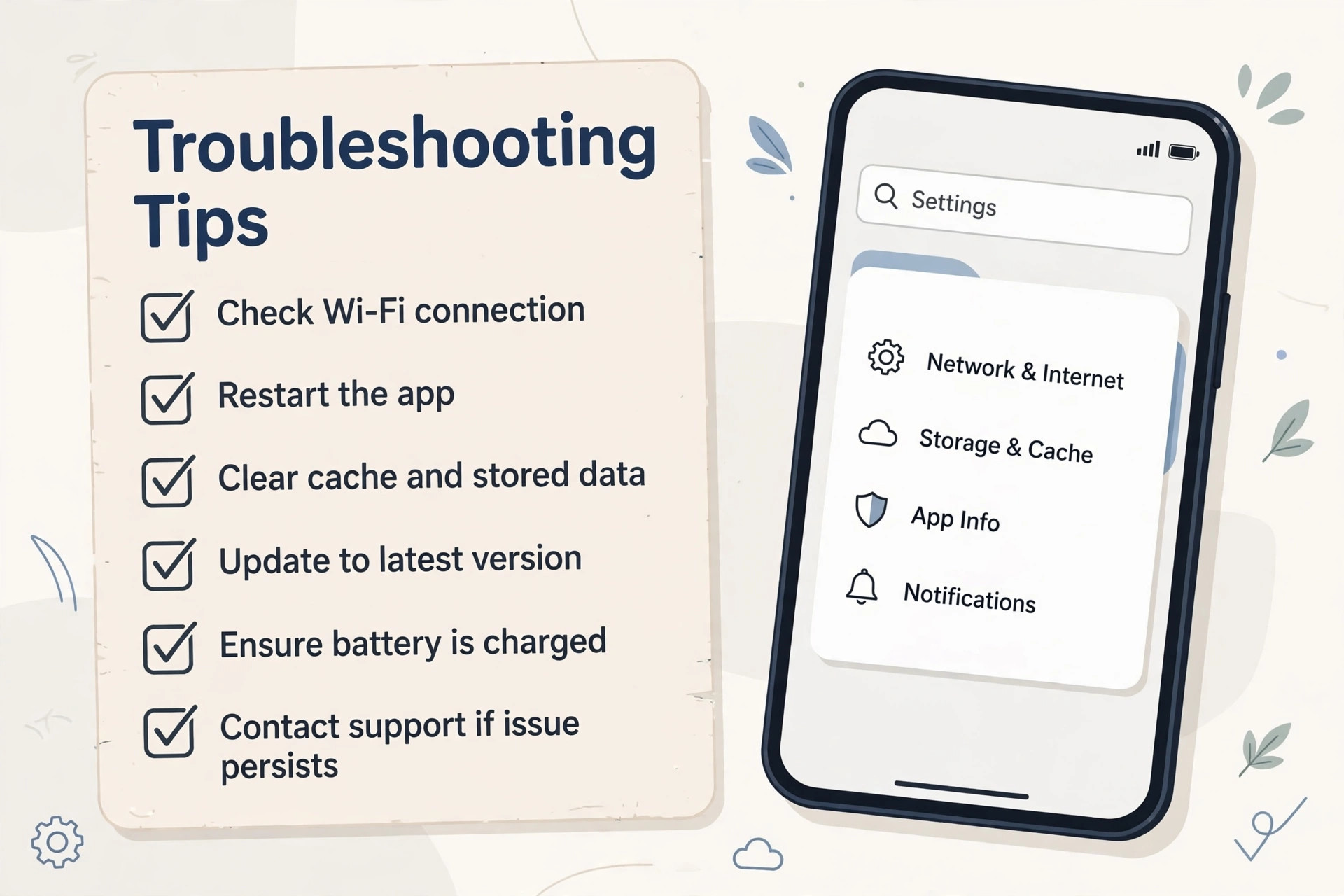
Result pages get heavy traffic right after each declaration. If the page stalls, wait a minute and refresh once instead of tapping refresh repeatedly. Switching between mobile data and WiFi sometimes helps. Clearing your browser cache fixes the rare case where your phone keeps showing a saved old copy of the page.
Numbers look blurry or cut off
On very small screens or with large text settings, table columns can squeeze together. Turn your phone to landscape mode for a wider table, or pinch to zoom on the result row. If your browser has a “desktop site” option, keep it off for result pages because the mobile layout is designed for narrow screens.
You cannot tell which market is which
Scroll to the market name at the start of each row before reading across to the numbers. Better still, open the dedicated page for your market, such as the Shillong teer result page, where only one market is shown and confusion is impossible.
The result time seems delayed
Occasional delays happen when a session runs late or the declaration is held up. A delay of some minutes is normal and the page updates once the numbers are officially declared. If a round is delayed by a long time, the page will still show the last confirmed result with its correct date. Never accept a number from an unofficial source during a delay.
Tips That Make Checking Faster Every Day
Once you know how to check teer result pages, these small habits make the daily routine effortless.
Bookmark the homepage
Save All Teer Results as a bookmark or add it to your phone’s home screen. One tap takes you straight to the results without typing the address or going through a search engine, which also protects you from landing on lookalike sites.
Check the date before the numbers
Make this your reflex. Date first, market second, FR or SR third. This three step order prevents almost every beginner mistake, from reading the wrong day to mixing up markets.
Learn your market’s rhythm
After a week of checking, you will know roughly when your market’s FR and SR appear. Check once after the FR window and once after the SR window instead of refreshing all day. This saves data and battery and you still catch every result.
Use the archive for disputes
When friends or family quote a number that sounds wrong, open the teer result list together and find the exact date. The archive ends arguments because it shows what was actually declared.
Keep it responsible
Teer is entertainment tied to a traditional sport, and it is legally restricted to adults 18 and above in Meghalaya. Set a personal budget if you participate, never chase losses, and treat result checking as information, not as a signal for the next bet. The official Meghalaya government portal is the authority for how lotteries are regulated in the state.
Frequently Asked Questions About How to Check Teer Result
How can I check teer result on my mobile phone?
Open your phone browser and visit a result website such as All Teer Results. Find the table with today’s date, locate your market’s row, and read the FR and SR numbers. The whole process takes under a minute and needs no app or account.
What do FR and SR mean in the teer result?
FR stands for First Round and SR stands for Second Round. Each market holds two archery sessions per day, and each session produces its own two digit result. FR is declared first and SR follows later in the day.
At what time is the teer result declared?
Declaration times differ by market and session. Morning sessions declare late in the morning, day sessions declare in the afternoon with FR before SR, and night sessions declare in the evening. Teer is not played on Sundays in most markets. Always confirm the date on the table because checking too early shows the previous day’s numbers.
Why does the teer result page show yesterday’s numbers?
The most likely reason is that today’s round has not been declared yet. Check the date label on the table. If the declaration window has passed and the page still shows old numbers, refresh the page once. Heavy traffic right after a declaration can delay the update by a few minutes.
Can I check the teer result for Shillong, Juwai and Khanapara on one page?
Yes. The homepage shows all three markets in one table. If you prefer a cleaner view, use the dedicated pages: the Shillong teer result page, the Juwai teer result page and the Khanapara teer result page each show a single market with its current and previous results.
Is it free to check the teer result online?
Yes, reading published results is completely free. Any website or app that asks for payment, bank details or personal information before showing results is not legitimate. Close it and use a trusted free result page instead.
Where can I find old teer results from previous days?
The teer result list archive page keeps previous days’ results with their dates. Open it, find the date you need, and compare the FR and SR numbers for your market. This is also the best way to verify a result someone told you about.
Conclusion
Learning how to check teer result numbers is a small skill that pays off every day. Open the result page on your phone, confirm today’s date, find your market’s row, and read the FR and SR numbers separately. Check at the right time for your session, use the archive when you need to verify, and never pay anyone or trust a forwarded screenshot over the live page. Bookmark the homepage, follow the date first habit, and checking the teer result becomes a simple one minute routine. Remember that teer is a legal Meghalaya lottery for adults 18 and above, so keep it responsible and enjoy the tradition for what it is.